Get Sifio
Docker
Recommended to install via Docker (Docker official documentation).
Docker CLI
docker run -d \
  --name sifio-core \
  --restart unless-stopped \
  -p 9821:9821 \
  -v ./data:/data \
  sifiodev/sifio:latest
note
Users in mainland China can add environment variables -e SIFIO_USE_CN_PYPI=true and -e TZ=Asia/Shanghai if needed.
Docker Compose
Alternatively, you can use Docker Compose. Create a docker-compose.yml file with the following content:
services:
  sifio:
    image: sifiodev/sifio:latest
    container_name: sifio-core
    restart: unless-stopped
    ports:
      - "9821:9821"
    #environment:
    #- SIFIO_USE_CN_PYPI=true
    #- TZ=Asia/Shanghai
    volumes:
    - ./data:/data
Then run:
docker compose up -d
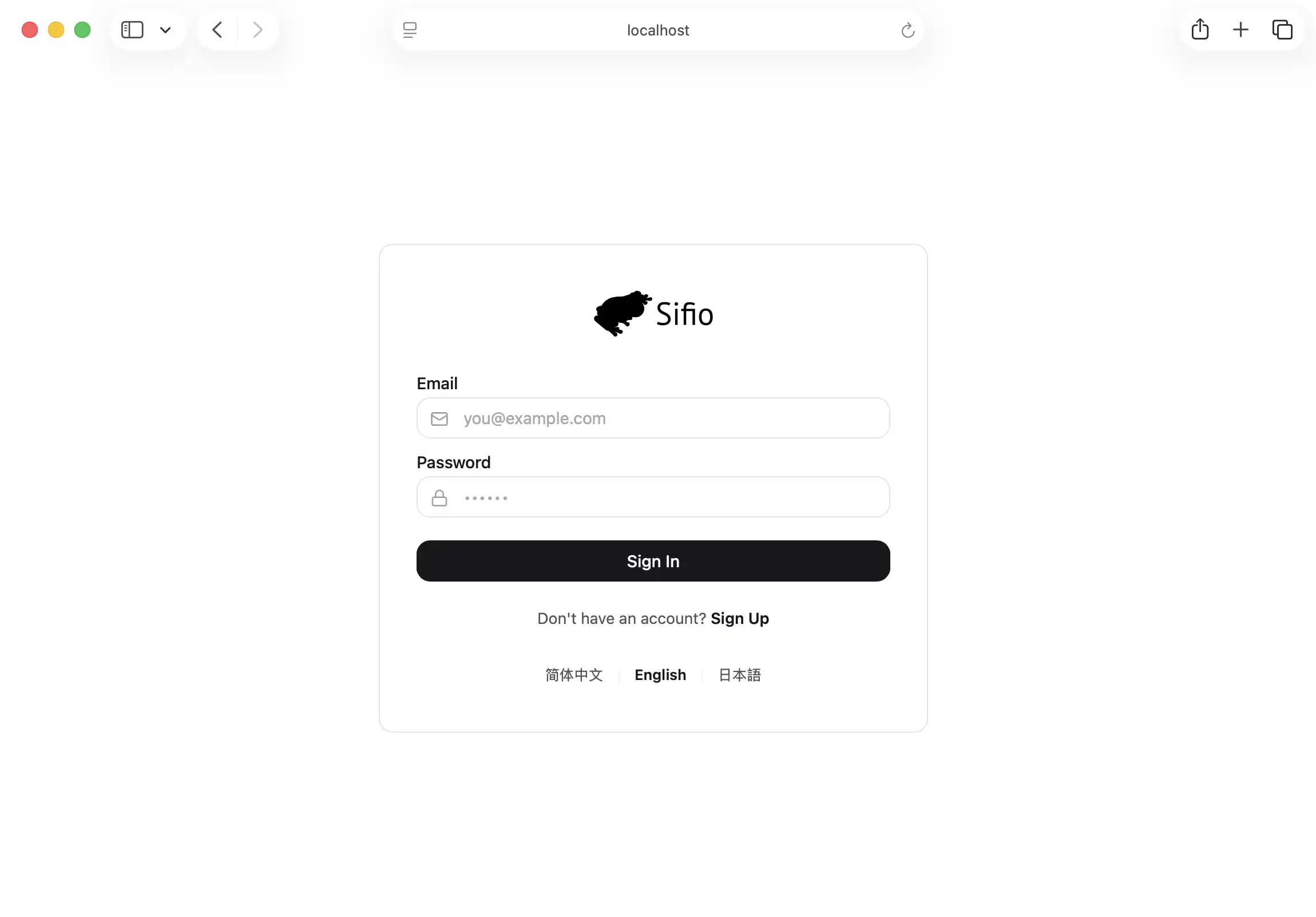
Access Sifio homepage
Open in browser: http://localhost:9821/